26 September 2026
Convert a list: rules sheet, PDF and WarOrgan import
Paste an army list and get it back with its rules: one offline page to read at the table, a printable PDF, or a WarOrgan file in your Dropbox.
Most of us keep the army list in one app, the rules in another, and the phone
at 3% by turn three. The list converter closes that gap: paste the list you
already have, and the app hands it back with its rules attached, in whichever
shape you need at the table.
It sits in the bottom bar, under Convert, and in the hamburger menu as
Convert a list. Paste the text, give it a name, then pick one of three
things. Lists that are already in the app (your availability for a club night,
a Tournament Companion roster, an opponent list imported from BCP) carry the
same buttons in place, with nothing to paste.
Read it: the rules sheet
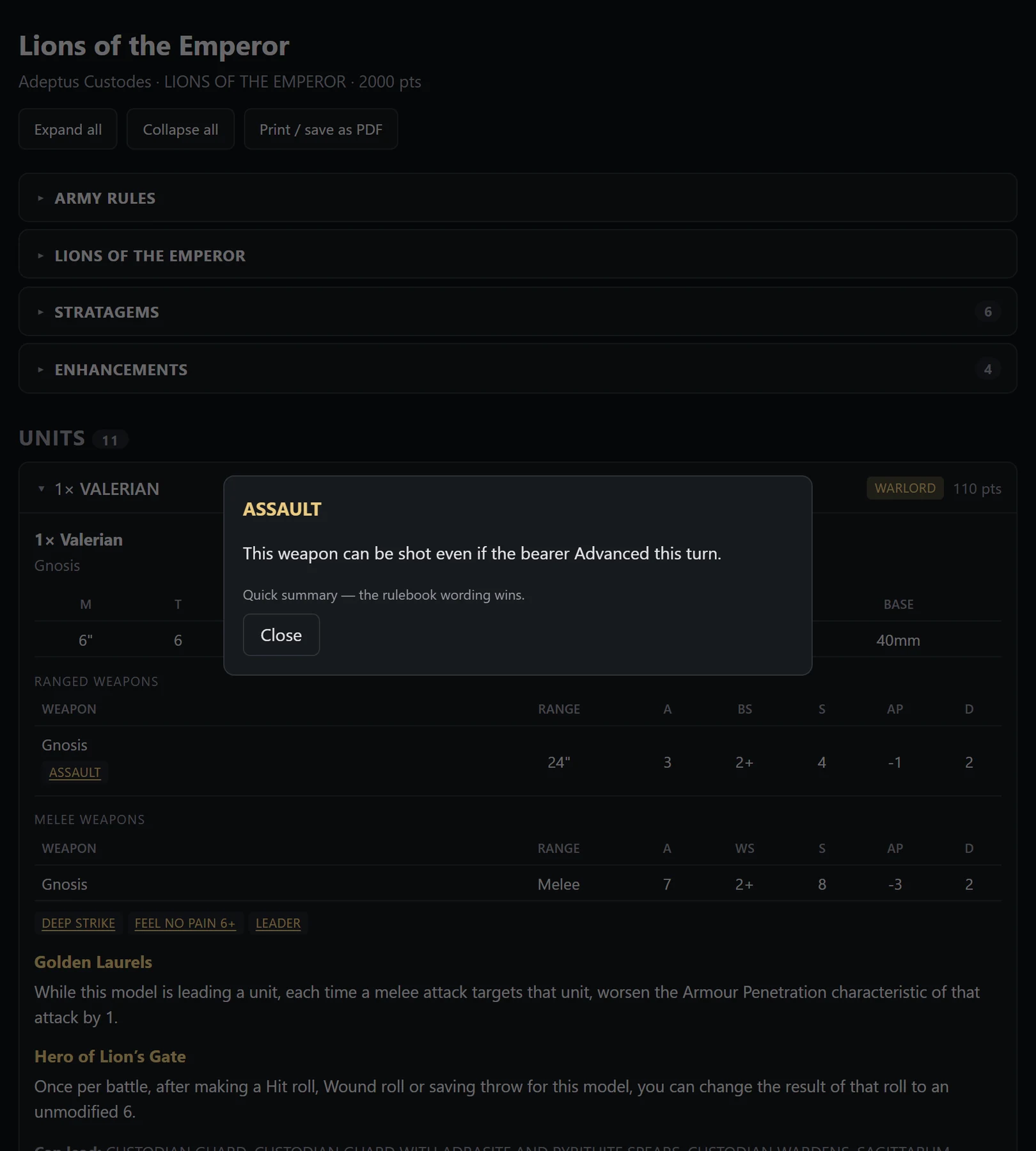
View rules opens the list as a single page: army rule, detachment rule,
stratagems, enhancements, and every unit with its models, statline and weapon
profiles.
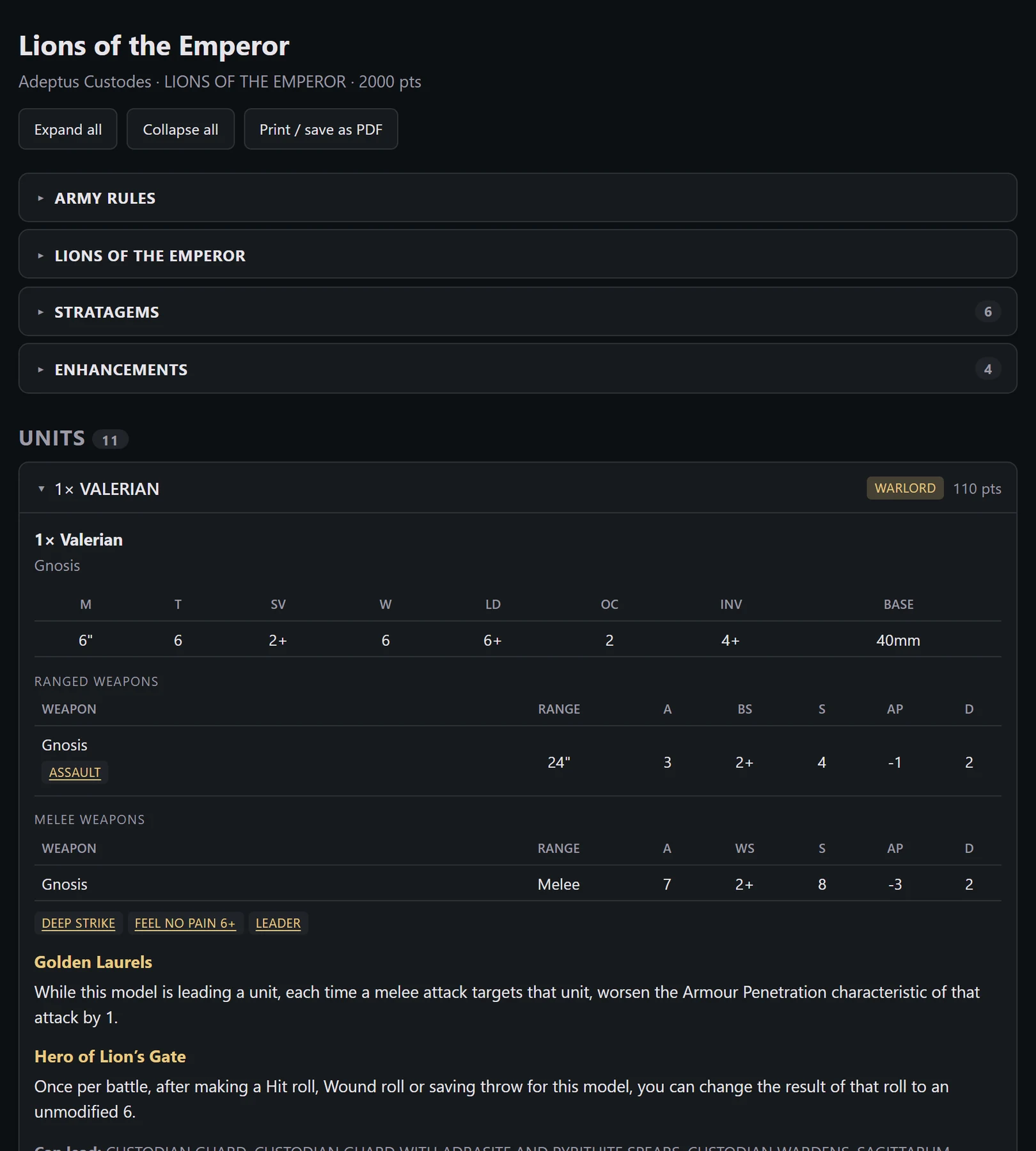
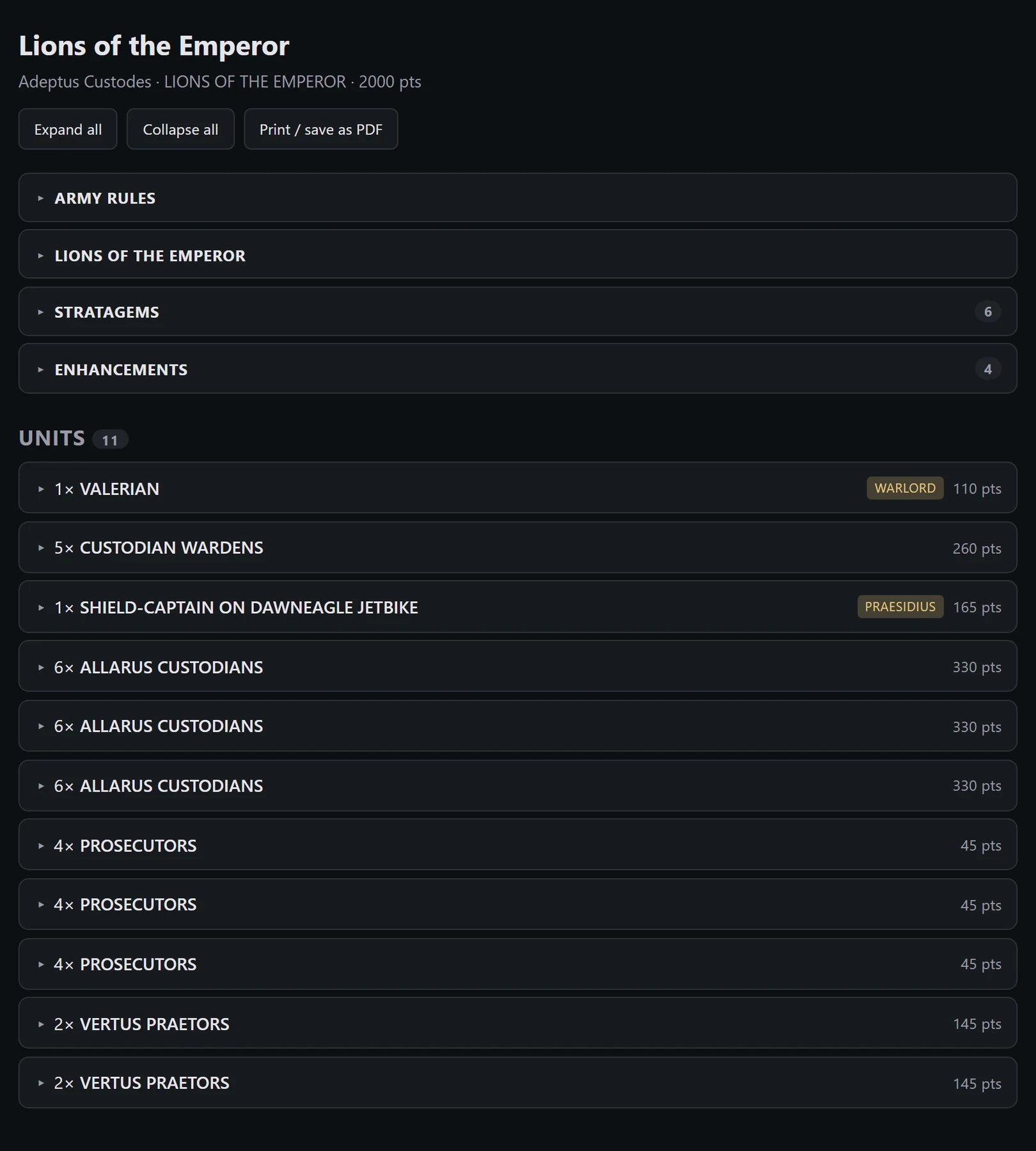
The army in these screenshots is a listhammer.info export of an Adeptus
Custodes list, attached units and all, pasted in exactly as it came out.
Sections start closed, the way WarOrgan's play mode does, so the top of the
page stays a summary of the army and you open only what you need.
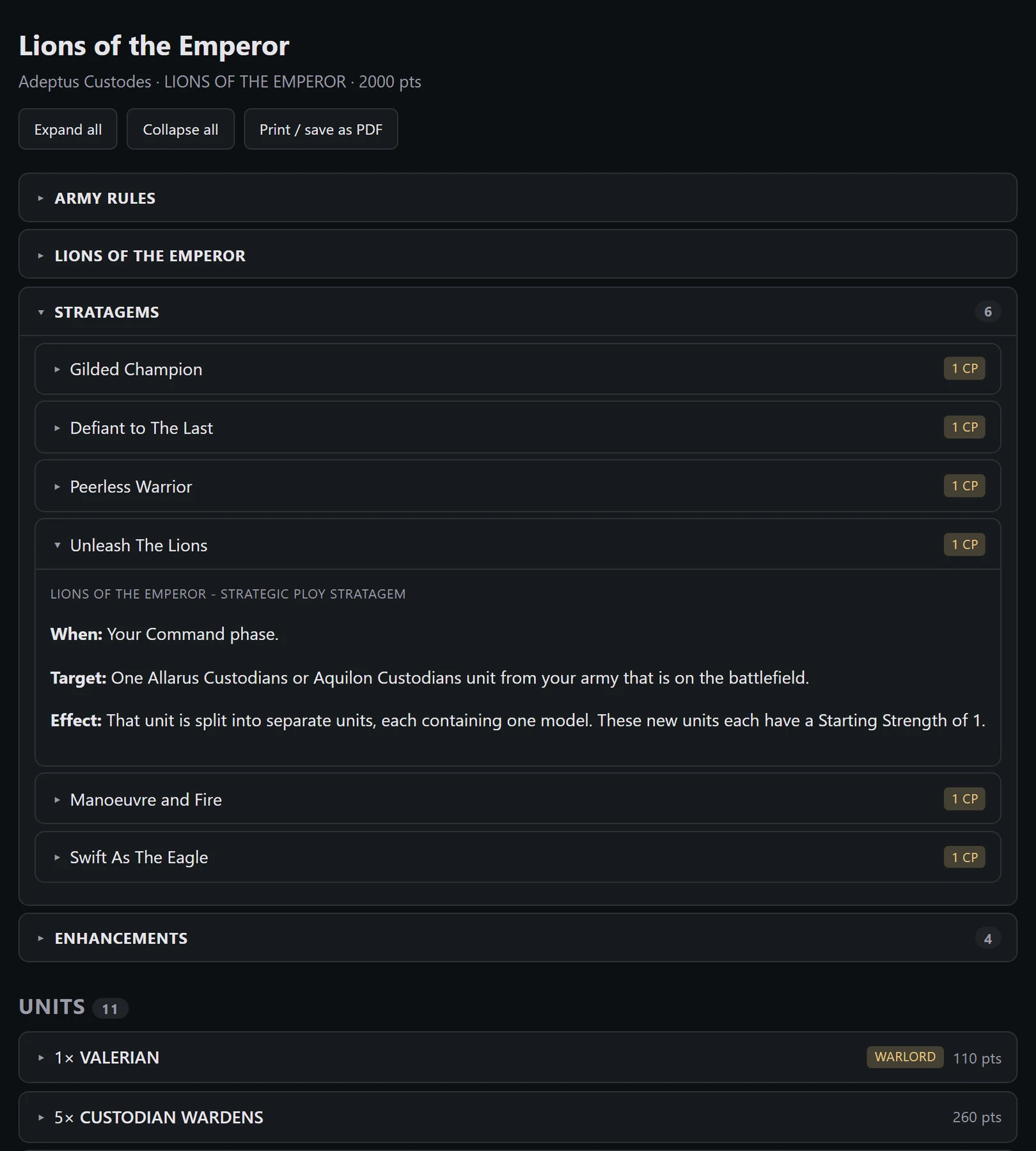
Stratagems come with their CP cost and full wording, so the sheet also answers
the "what can I actually spend CP on" question in the middle of a turn.
Core keywords are buttons. Tap RAPID FIRE 1, HAZARDOUS or SCOUTS 6" and the
rule text comes up without leaving the page. Those texts are refreshed once a
week from the current core rules, so dataslate and FAQ changes reach the popups
on their own.
Keep it: HTML and PDF
Save rules downloads that same page as one .html file. Everything is inside
it: the styles, the rules text, the popups. No network, no fonts to fetch,
nothing that expires. Put it on your phone and it works in a basement with no
signal, this year and in three years.
For paper, open the file and use your browser's print dialog, or "Save as PDF".
The sheet opens every section before printing, so the PDF carries the whole
army even if the page you were looking at was collapsed.
Send it: WarOrgan
Import in WarOrgan converts the list to a .worg file and drops it straight
into your Dropbox, in the folder WarOrgan reads. Connect your Dropbox once
(there is a button in the same window) and from then on it is one tap: no
export, no file manager, no mailing a file to yourself.
If a unit does not convert we say so and name it, rather than quietly sending a
list with a hole in it.
What it reads
Exports from the Games Workshop app, WTC format, WarOrgan itself, and
listhammer.info. The structure is recognised in English, Italian, Spanish and
French, but datasheet, detachment and enhancement names have to be English: the
GW app translates those and our vocabulary only knows the English ones, so an
Italian export can come back missing its detachment.
It is still experimental and it does not read every list. When one fails, the
failure lands on our dashboard together with the text that was pasted, and that
is how the gaps get closed. So if your list fails today, it is worth trying
again after the next update.